2026 comparison guide
Best PostgreSQL Client for Mac
Compare Postico, TablePlus, pgAdmin, DBeaver, and Simple PostgreSQL to find the database client that fits your workflow.
Pay once, use it forever — no subscription
Reviewed for 2026 · macOS options · PostgreSQL-focused and multi-database tools
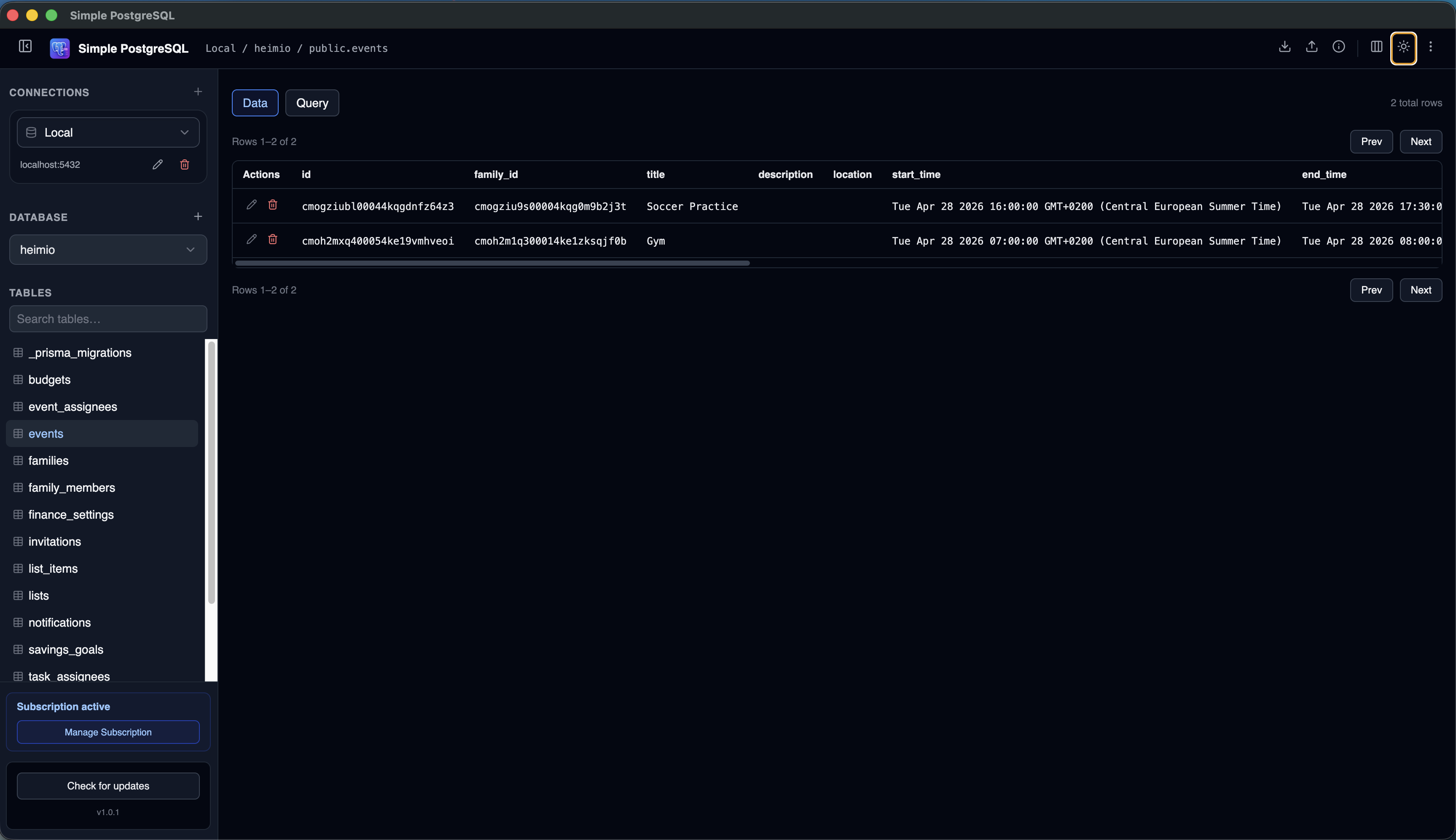
PostgreSQL includes excellent command-line tools, but many developers eventually want a graphical client to make database work faster and easier.
Whether you are building a SaaS product, debugging production issues, exploring tables, or writing queries, a good PostgreSQL client can save time every week. The best choice is less about a universal winner and more about matching the tool to your actual workflow.
If you are comparing a specific Mac tool, see the dedicated Postico alternative guide. If you are connecting to hosted PostgreSQL, start with the remote PostgreSQL connection guide.
Why Use a PostgreSQL Client?
Starting with psql is perfectly reasonable. A graphical PostgreSQL client adds a visual layer for
tasks where navigation and comparison matter more than typing commands.
What Makes a Great PostgreSQL Client?
Easy connection management
Store and organize the databases you use across projects and environments.
Fast query workflows
Run SQL, identify errors, and inspect results without unnecessary friction.
Useful table browsing
Explore and edit data without constantly writing one-off queries.
A clear interface
Daily database work should feel productive rather than visually overwhelming.
Reliable performance
Navigation and common operations should remain responsive as projects grow.
PostgreSQL Client Comparison
| Client | Best for | Database scope | Availability |
|---|---|---|---|
| Postico 2 | Native Mac experience | PostgreSQL-compatible systems | Commercial, evaluation available |
| TablePlus | Multiple database types | Multi-database | Commercial, limited trial |
| pgAdmin 4 | Advanced PostgreSQL administration | PostgreSQL | Free and open source |
| DBeaver Community | Broad database and JDBC support | Multi-database | Free and open source |
| Simple PostgreSQL | Focused everyday PostgreSQL work | PostgreSQL | Commercial, 7-day trial |
Product details were checked against each tool's official website in June 2026.
Five PostgreSQL Clients for Mac Compared
Postico 2
Postico 2 is a native Mac app focused on PostgreSQL and compatible systems. It combines a polished macOS interface with table editing, structure tools, query files, and organized connection management.
- Native macOS design
- PostgreSQL-focused workflow
- Strong table and query editing
- macOS only
- Commercial product
- Current Postico 2 releases require a recent macOS version
TablePlus
TablePlus is a modern commercial database client for developers who switch among PostgreSQL, MySQL, SQLite, and other systems. Its broad support makes it useful when one tool must cover several database engines.
- Multi-database support
- Modern interface
- Cross-platform desktop availability
- Broader than a PostgreSQL-only workflow
- Commercial licensing
- Trial limits some concurrent features
pgAdmin 4
pgAdmin is the feature-rich, open-source administration and development platform maintained for PostgreSQL. It supports deep object management, query tooling, graphical EXPLAIN, and desktop or web deployment.
- Free and open source
- Extensive PostgreSQL administration
- Cross-platform and web deployment options
- Large feature surface
- More administration-oriented than some developers need
- Can take longer to learn
DBeaver Community
DBeaver Community is a free, open-source, multiplatform database management tool. It supports databases with JDBC drivers and includes a broad plugin ecosystem for data transfer, diagrams, and other workflows.
- Free and open source
- Very broad database support
- Extensible feature set
- Large interface
- More configuration and concepts to navigate
- Not tailored only to PostgreSQL
Simple PostgreSQL
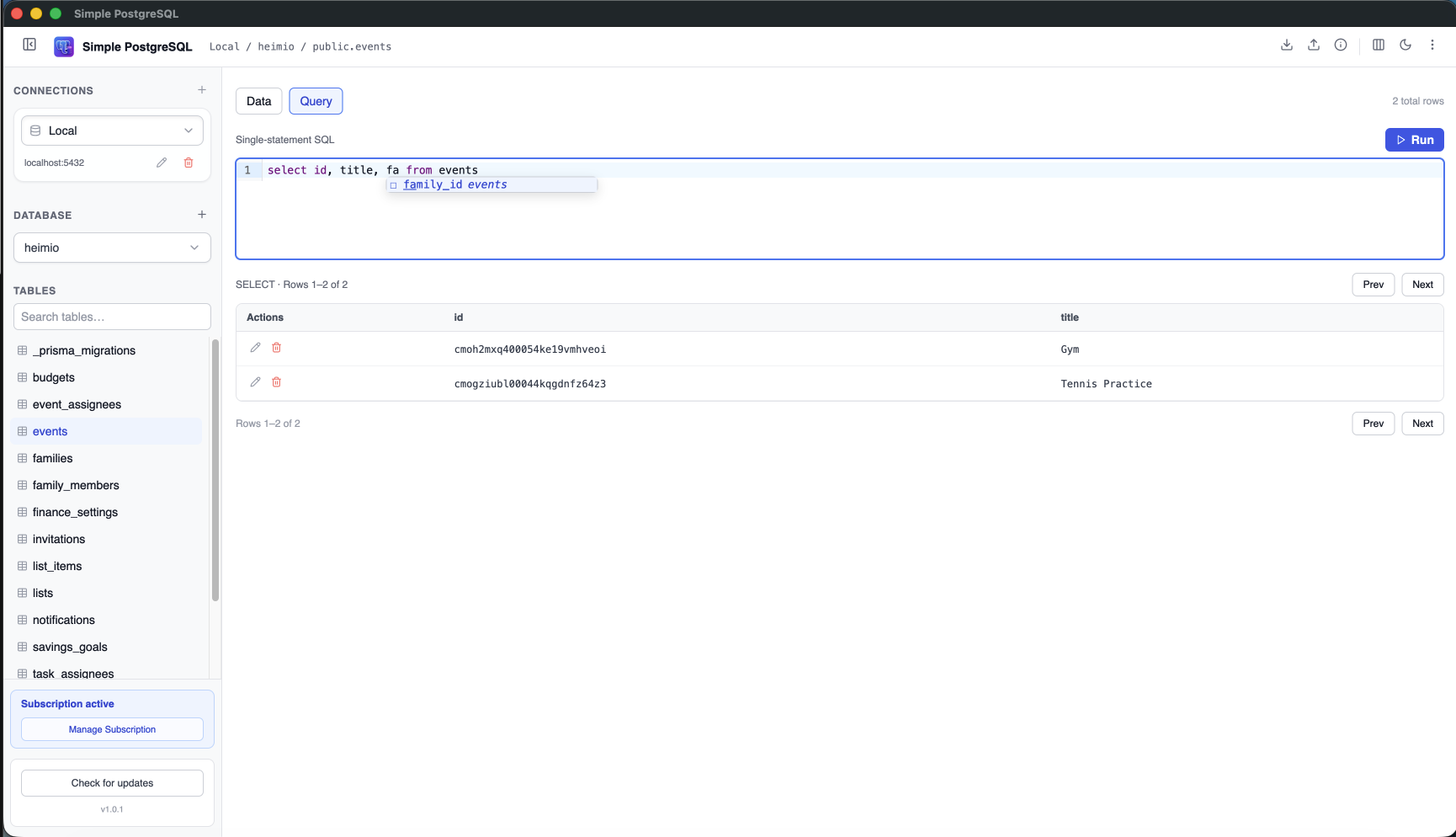
Simple PostgreSQL is designed for developers who mainly want to connect, browse tables, inspect data, and run queries without adopting a full enterprise administration suite or a universal database client.
- PostgreSQL-focused interface
- Local and remote connections
- Table browsing, editing, CSV, and SQL workflows
- Newer product
- Smaller ecosystem
- Not intended for other database engines
Which PostgreSQL Client Should You Choose?
Common PostgreSQL Workflows
Exploring application data
Inspect tables and records while developing or troubleshooting.
Running SQL queries
Debug issues, validate changes, and analyze results.
Managing local databases
Move quickly through development schemas and test data.
Connecting to cloud databases
Keep staging and production PostgreSQL environments accessible.
For Heroku-hosted databases, see the dedicated Heroku Postgres GUI guide. There are also focused guides for Supabase and Neon Postgres.
Frequently Asked Questions
What is the best PostgreSQL client for Mac?
There is no single best option for everyone. Postico emphasizes native Mac design, TablePlus and DBeaver cover many databases, pgAdmin provides deep administration, and Simple PostgreSQL focuses on common PostgreSQL development tasks.
Is Postico worth it?
Postico 2 is a strong choice when you value a native macOS interface, PostgreSQL-focused editing, and organized query and connection workflows.
Is pgAdmin free?
Yes. pgAdmin is free and open source.
Can I connect to Heroku Postgres databases?
Yes. These clients support remote PostgreSQL connections, although the exact connection workflow and SSL controls vary by product.
Do I need a GUI for PostgreSQL?
No. Many developers work effectively with psql. A GUI can make browsing, visual inspection, and connection management faster.
Prefer a focused PostgreSQL client?
Browse tables, inspect data, manage connections, and run queries from one clean desktop app.
Try Simple PostgreSQL for Mac 7-day free trial · No credit card required