Serverless Postgres, visually
Neon Postgres GUI
Connect to Neon Postgres from your Mac, browse tables, inspect records, and run SQL through a clean desktop interface.
Pay once, use it forever — no subscription
7-day free trial · SSL connections · Works with PostgreSQL connection strings
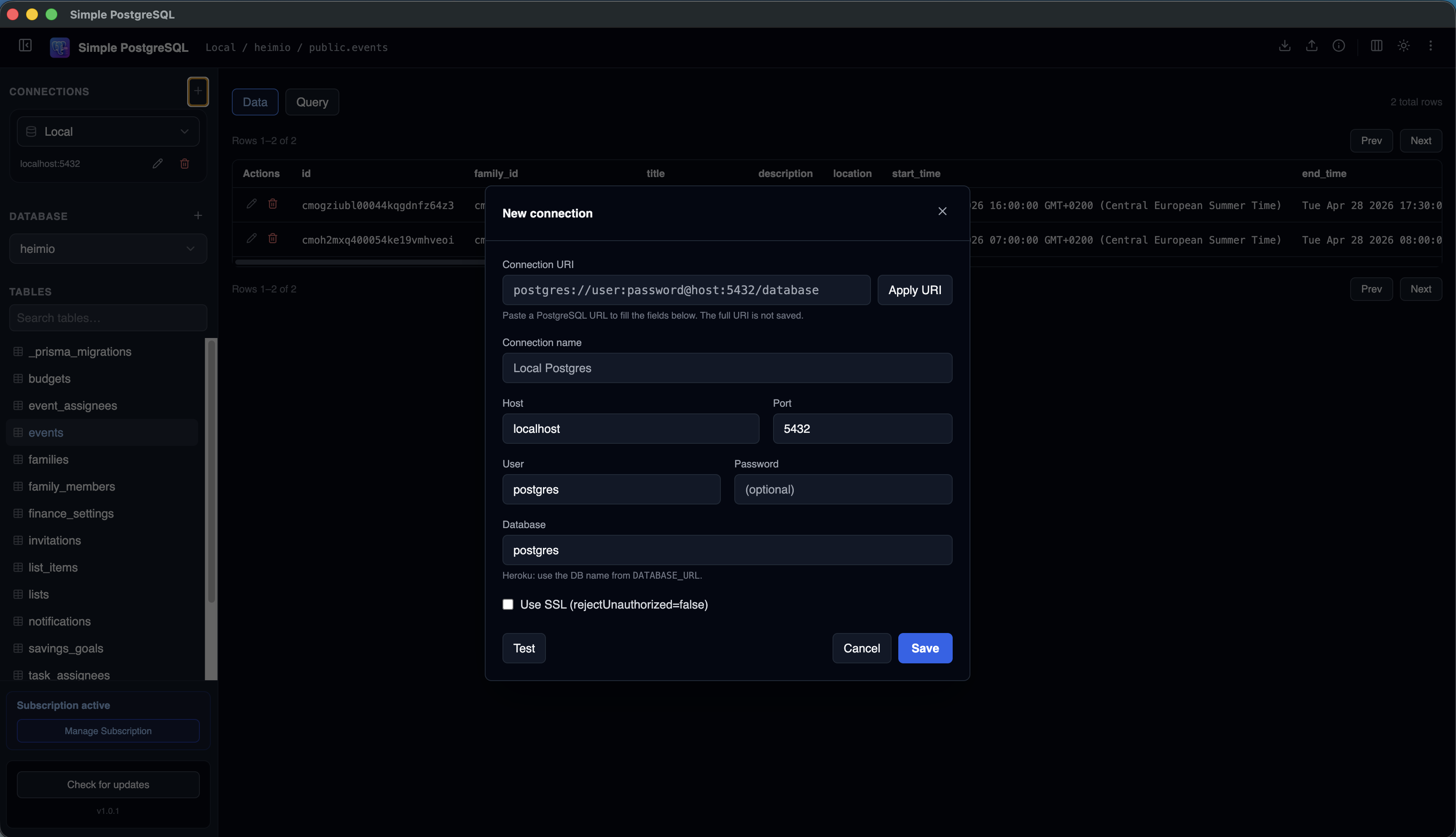
Neon gives teams serverless PostgreSQL, branching, and hosted database infrastructure. A focused desktop GUI helps when you need to inspect data, verify schema changes, or run quick queries outside the browser dashboard.
Simple PostgreSQL connects to Neon using standard PostgreSQL connection details, so you can manage Neon alongside local development databases and other hosted PostgreSQL environments.
Why Developers Look for a Neon Postgres GUI
How to Connect to Neon Postgres
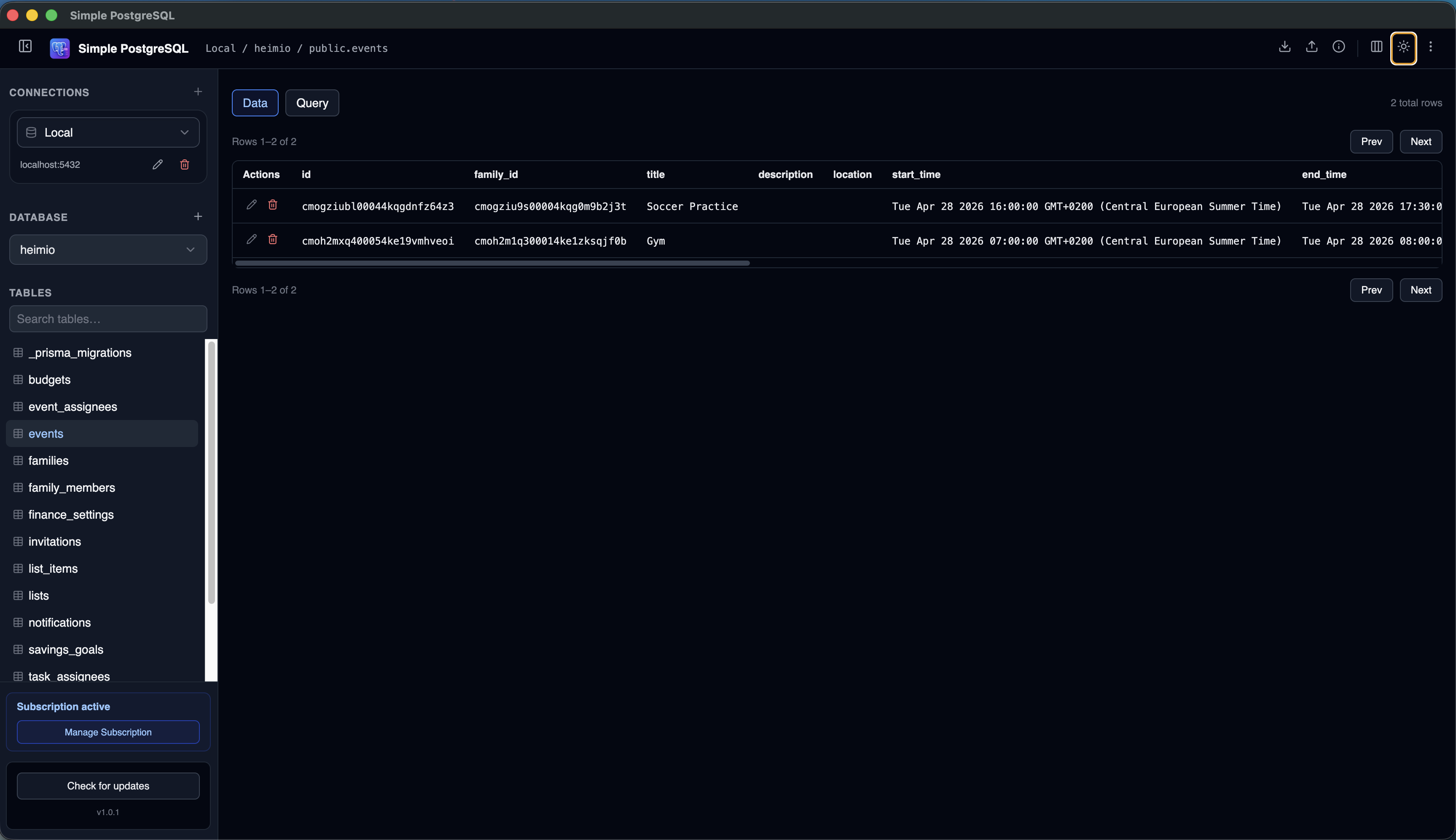
Neon provides PostgreSQL connection strings for each project, database, role, and branch. Copy the connection string for the environment you want to inspect, then add it to Simple PostgreSQL.
- 1
Open your Neon project
Select the project and branch you want to inspect.
- 2
Copy the connection string
Use the PostgreSQL URI from Neon with the database and role you need.
- 3
Paste it into Simple PostgreSQL
Add a new connection using URI import or individual fields.
- 4
Keep SSL enabled
Hosted Neon connections normally use SSL for external clients.
- 5
Test and save
Save the connection and start browsing tables, rows, schemas, and queries.
Work With Neon Branches and Environments
Neon branching is useful for preview environments and schema changes. Saving each important branch as a named connection makes it faster to compare application state across environments.
Local development
Keep localhost and Neon development databases side by side.
Preview branches
Inspect branch data created for pull requests and testing workflows.
Production
Open production carefully when you need to troubleshoot live application state.
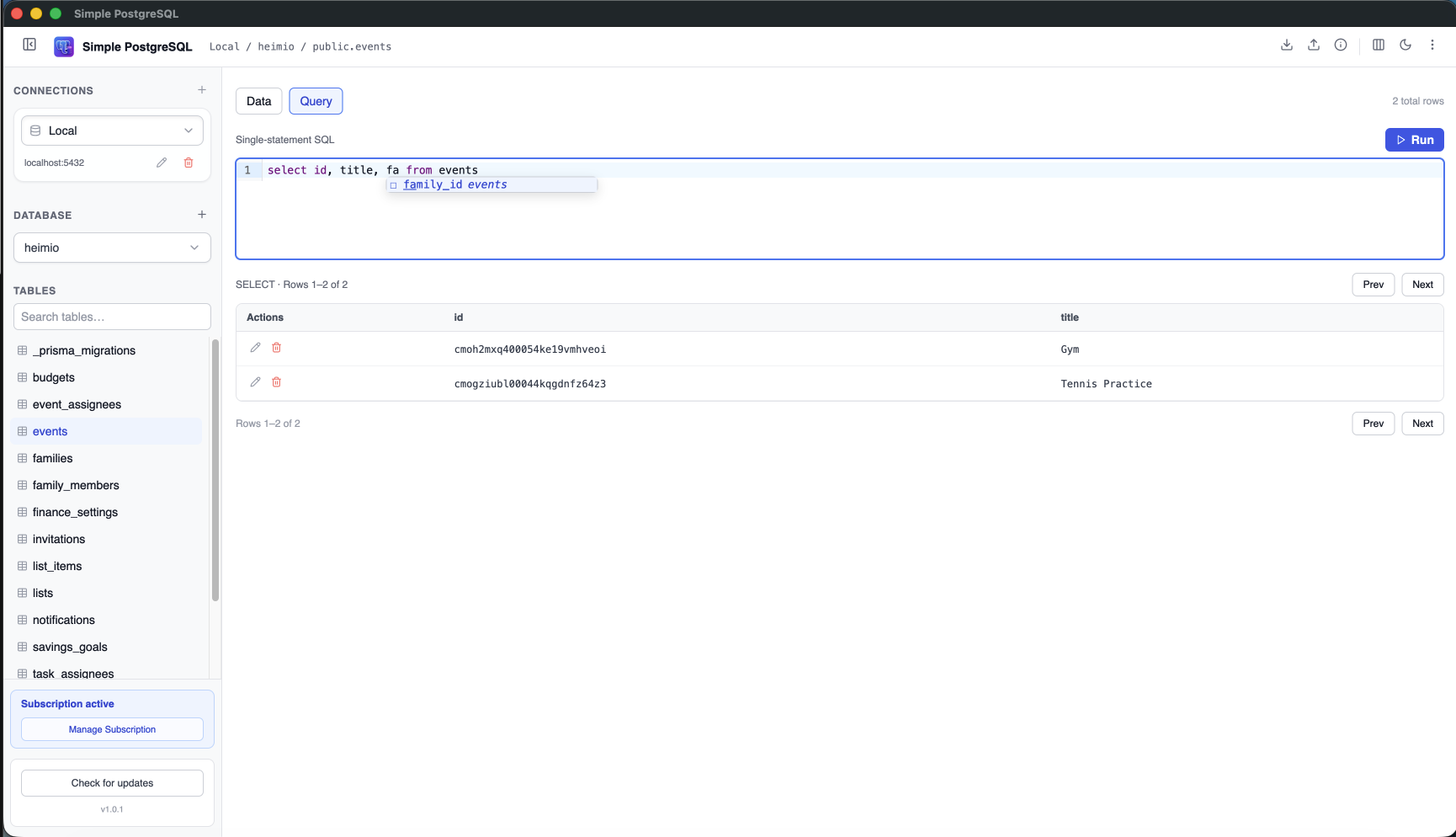
Run SQL Queries Against Neon
For debugging and data inspection, a desktop SQL editor keeps query writing, autocomplete, and result review in one place.
Neon Dashboard vs Desktop PostgreSQL GUI
| Task | Neon dashboard | Simple PostgreSQL |
|---|---|---|
| Manage hosting | Yes | No |
| Browse table data | Yes | Yes, in a desktop grid |
| Run SQL | Yes | Yes, with saved connections |
| Work across providers | Neon only | Local, Neon, Heroku, Supabase, and remote PostgreSQL |
| Store credentials locally | Browser account workflow | Credentials stay on your machine |
Frequently Asked Questions
Can I connect a PostgreSQL GUI to Neon?
Yes. Neon provides standard PostgreSQL connection strings that can be used by desktop PostgreSQL clients such as Simple PostgreSQL.
Can I save multiple Neon branches?
Yes. You can save separate connections for different Neon branches, projects, or environments.
Does Neon require SSL?
Hosted Neon PostgreSQL connections commonly use SSL. Keep SSL enabled unless your Neon connection settings specify a different requirement.
Can I use the same app for Supabase or Heroku?
Yes. Simple PostgreSQL works with standard PostgreSQL databases, including Neon, Supabase, Heroku Postgres, local databases, and other remote hosts.
Browse Neon Postgres from your Mac.
Save Neon connections, inspect tables, and run SQL from one focused PostgreSQL desktop client.
Download Simple PostgreSQL for Mac 7-day free trial · No credit card required